Start here
Interaction is a teaching decision
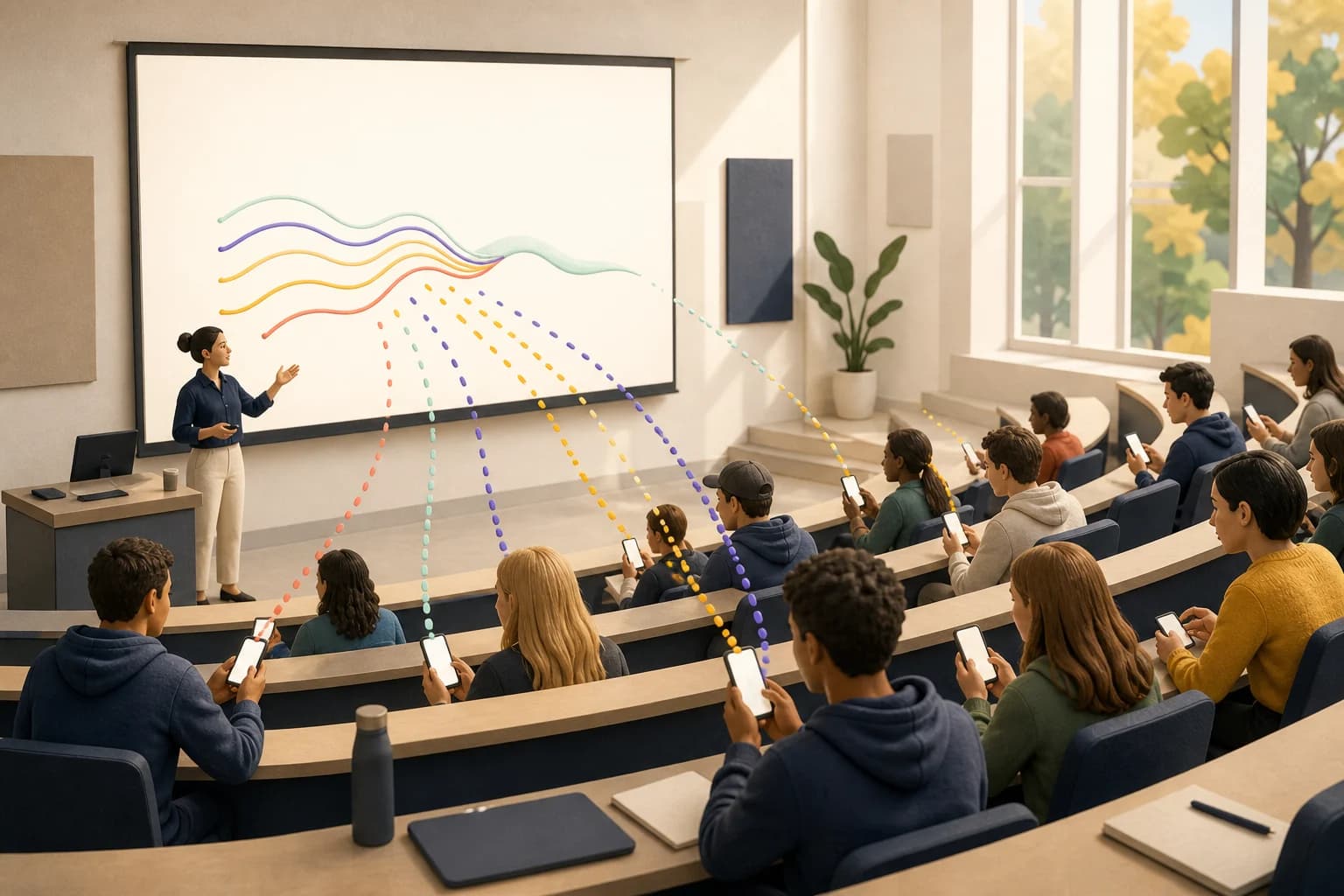
An interactive lecture does not need constant voting, games, or a new presentation format. It needs moments when students can affect what happens next.
A response is useful when it helps you make a decision. Do students need another example? Is the room ready to discuss the harder case? Which question should you answer before moving on? If the result will not change anything, the interaction probably does not belong in the lesson.
Choose the moment
Five moments worth making interactive
You do not need an interaction for every slide. Most lectures benefit from a small number of moments with different jobs.
- 1Arrival
Confirm attendance and ask one low-pressure question about readiness, confidence, or the previous session.
- 2Before an explanation
Ask for a prediction or opinion before revealing the model. Students have a reason to compare their thinking with what follows.
- 3After a difficult concept
Use a knowledge check or confidence pulse. Explain again when the class signal says the foundation is not secure.
- 4During discussion
Collect questions and let students upvote the ones they want discussed. A large room can set the agenda without twenty raised hands.
- 5Before students leave
Ask what became clearer and what remains unresolved. Carry that information into the next session.
A practical rhythm
A 50-minute lecture with five live moments
| Time | Classroom moment | Interaction | What the instructor learns |
|---|---|---|---|
| 0–3 min | Students arrive | Check-in | Who is present and how ready the room feels |
| 10–12 min | Before the main model | Prediction | What students already believe |
| 22–25 min | After the explanation | Knowledge check | Whether the class is ready to continue |
| 30–37 min | Small-group work | Full-screen timer | A shared pace without repeated time warnings |
| 46–50 min | Closing reflection | Exit response | What to revisit in the next session |
This rhythm adds only a few minutes of active response. The value comes from placing each interaction where it can change the lesson, not from increasing the number of activities.
Companion mode
Keep your existing slides
Rebuilding a complete deck inside a polling tool creates a large adoption barrier. It also makes a last-minute lesson change harder than it needs to be.
- 1Prepare a short session plan
Add the interactions you expect to use. Keep optional questions available without placing them in the main flow.
- 2Open the classroom display once
Keep it ready beside PowerPoint, Keynote, or Google Slides on the instructor computer.
- 3Switch when the room needs it
Move to the live result, discuss what the class is showing, then return to the lecture.
- 4Carry the record forward
Responses, attendance, questions, and confidence should remain connected to the class and session after the live moment ends.
For 100 to 200 students
Design for the room you actually teach
Large classes need a different interaction model from seminars. The instructor cannot read every response or answer every question while teaching. The interface has to help the room organise itself.
- Let students ask questions without interrupting the speaker.
- Use upvotes to show which questions are shared by the room.
- Moderate written responses before placing them on the projector.
- Show distributions and themes before individual comments.
- Give students something useful to do after responding, such as reviewing and upvoting questions.
- Avoid speed-based scoring when connection quality can vary across the room.
The difference over time
One session should inform the next
A live poll can improve a moment. A connected course record can improve the next lesson. That distinction matters when the same students meet every week.
| An isolated interaction | A connected course record |
|---|---|
| Shows what the room answered now | Shows how confidence and participation change across sessions |
| Ends when the presentation closes | Keeps questions, attendance, and responses with the class |
| Rewards a single correct answer | Lets progress, streaks, and approved rewards build over time |
| Reports the result | Helps the instructor decide what to revisit next |
The goal is not to make every minute interactive. It is to make every response useful.
Your next class
Start with three interactions
For your first session, prepare one arrival check-in, one understanding check, and one closing reflection. That is enough to learn how the room responds without turning the technology into the lesson.